
New Multi-agent AI is now live in every workspace

The AI-native messenger with tasks and calls built in

You do the talking. Enqo's AI handles the boring stuff: summaries, tasks, follow-ups and meeting notes, all in one workspace.

Sign up and get started in a minute. No credit card required.

Enqo - Combine chat simplicity with task-tracking organization | Product Hunt
Enqo desktop app on a laptop: Website development project board, AI assistant panel and a video call
3 things on fire todayFocus for today is ready
Call transcribed4 action items → tasks
Sound familiar?

The team is busy, but the work isn't moving

Without Enqo: messages scattered across WhatsApp, Telegram and email, lost files and unanswered questions With Enqo: one workspace with all project chats and a task board
01

Agreed in chat, then forgotten

A decision was made in the thread but never became a task. A week later nobody remembers who's doing what, or by when.

Every decision becomes a task

Turn any message into a task in one click, or let AI pull action items from the discussion, with owners and deadlines.
02

Context has to be dug up by hand

Joining a task halfway through means scrolling the chat, pinging colleagues and hunting for what was decided and where.

Context in seconds

Ask AI and it brings you up to speed: what changed, what was decided and who's responsible.

03

Work and personal, all mixed up

Project chats, friends and meme channels share one feed. People get distracted and burn out on notifications.

A space for work only

Group and direct chats, channels and threads built for work conversations, so the team can stay focused.

04

Tasks and chats live apart

The task tracker isn't connected to the messenger. Tasks are created by hand, and details get lost on the way.

Chat and tasks, connected

Each task gets its own chat. Every discussion, file and decision stays attached to the work it belongs to.

AI assistant

AI that knows what's happening in your team, and handles the routine

Enqo's AI lives inside your chats, tasks and calls, so it already has the context. No long prompts, no explaining everything from scratch.

From discussions to tasks

Back from vacation or a long meeting? Ask AI for a summary of the discussion and see exactly what changed since you last checked in.

Launch date moved to Oct 14decided
QA checklist assigned to Leonew task
Budget approval still pendingopen

Attention on what matters

AI helps set priorities: it collects your tasks for the day and flags what's on fire right now.

UrgentFix checkout bugtoday
HighReview launch plantoday

Context in seconds

Joined a project midway? Ask AI and it will quickly bring you up to speed.

Where are we with the mobile release?
Build 2.4 is in QA. Two blockers are assigned to Maria, and the store listing is waiting on screenshots.

The more you work, the smarter it gets

AI builds up context from discussions, tasks and decisions. You don't need long prompts or to re-explain the project every time.

Week 1Project contextWeek 10

What else the AI can do

Call transcription Coming soon

No more taking minutes

After a call, AI transcribes the recording, highlights what was agreed and creates tasks from the outcomes.

Semantic search

Find it in your own words

Can't remember where a topic came up? Just ask. AI finds it even if you don't remember the exact wording.

Task breakdown

Big task, clear plan

Got a big task and no clear plan? AI breaks it into steps and helps you set priorities.

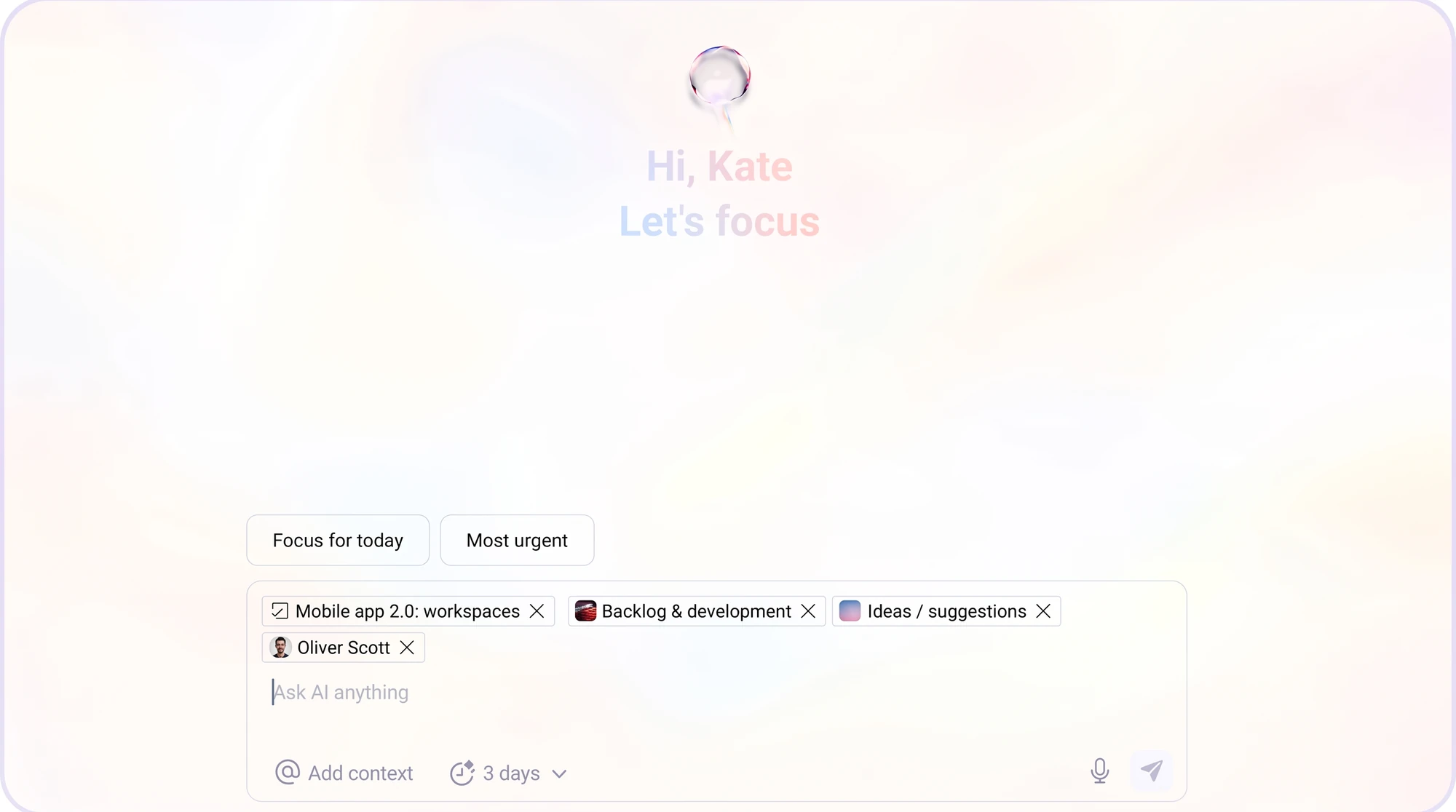
Enqo AI assistant: 'Hi, Kate. Let's focus' with Focus for today and Most urgent shortcuts and project context chips
How it works

AI inside every project

✦Your focus for Wednesday
Approve launch budget
#finance · task
Due 12:00
Reply to Anna about pricing
#product-launch · chat
Today
Review QA checklist
#mobile-app · task
Today
Prepare notes for launch sync
Calendar · 15:00
15:00
AKWhat's happening in #product-launch?
✦Project status
Landing pageAnna K.Done
Demo videoDavid M.In progress
Pricing tableLeo R.To do
Press kitNo ownerBlocked
DMSet up 30 min with Anna this week to review the video
✦Found a slot that works for both of you
✓ Event created · call link added
One workspace

Talk and manage tasks on one screen

Messenger

Group and direct chats, channels and threads, for work conversations only. The team stays focused and gets more done.

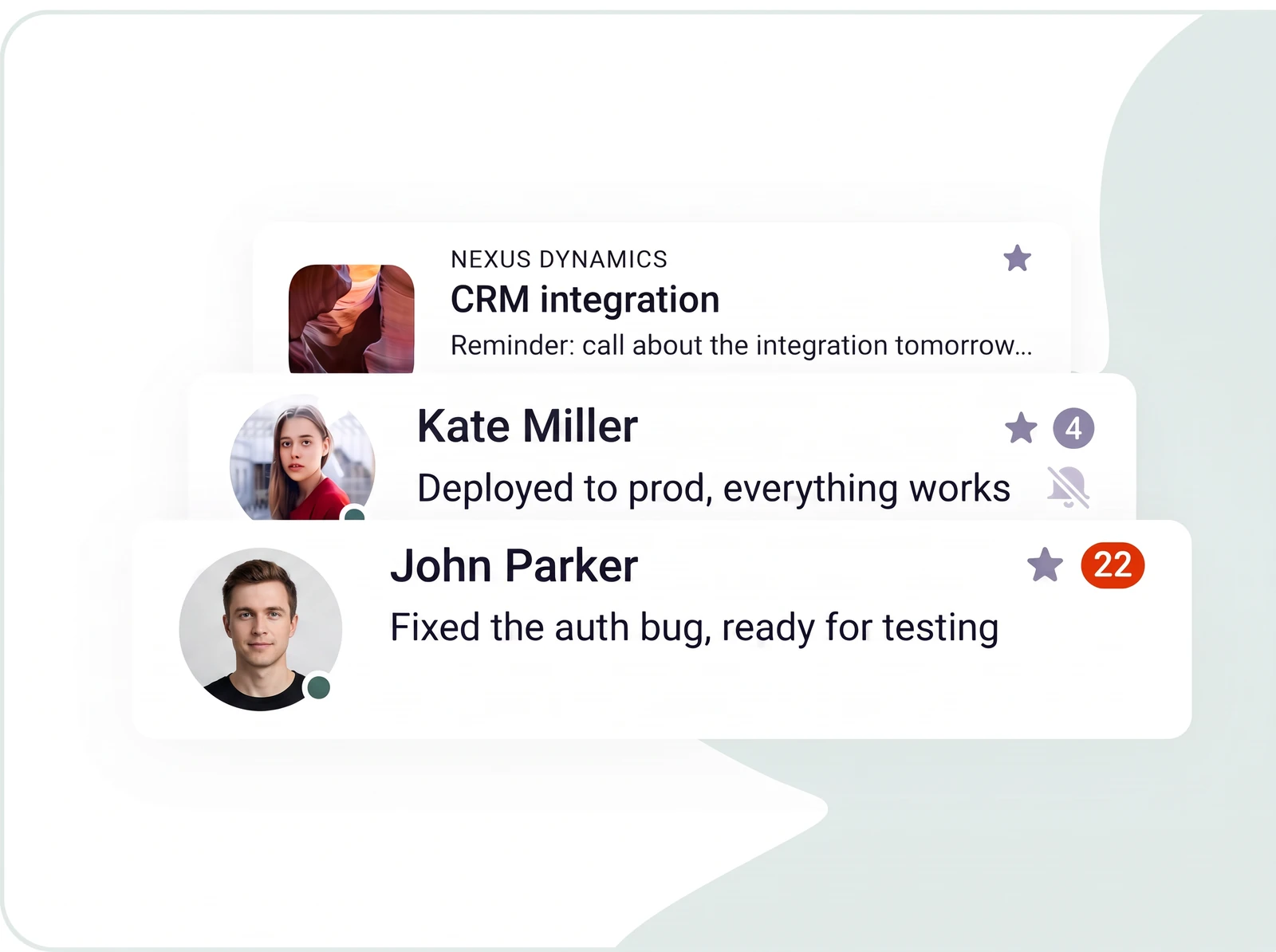
Enqo chat list with CRM integration channel and direct messages

Task tracker

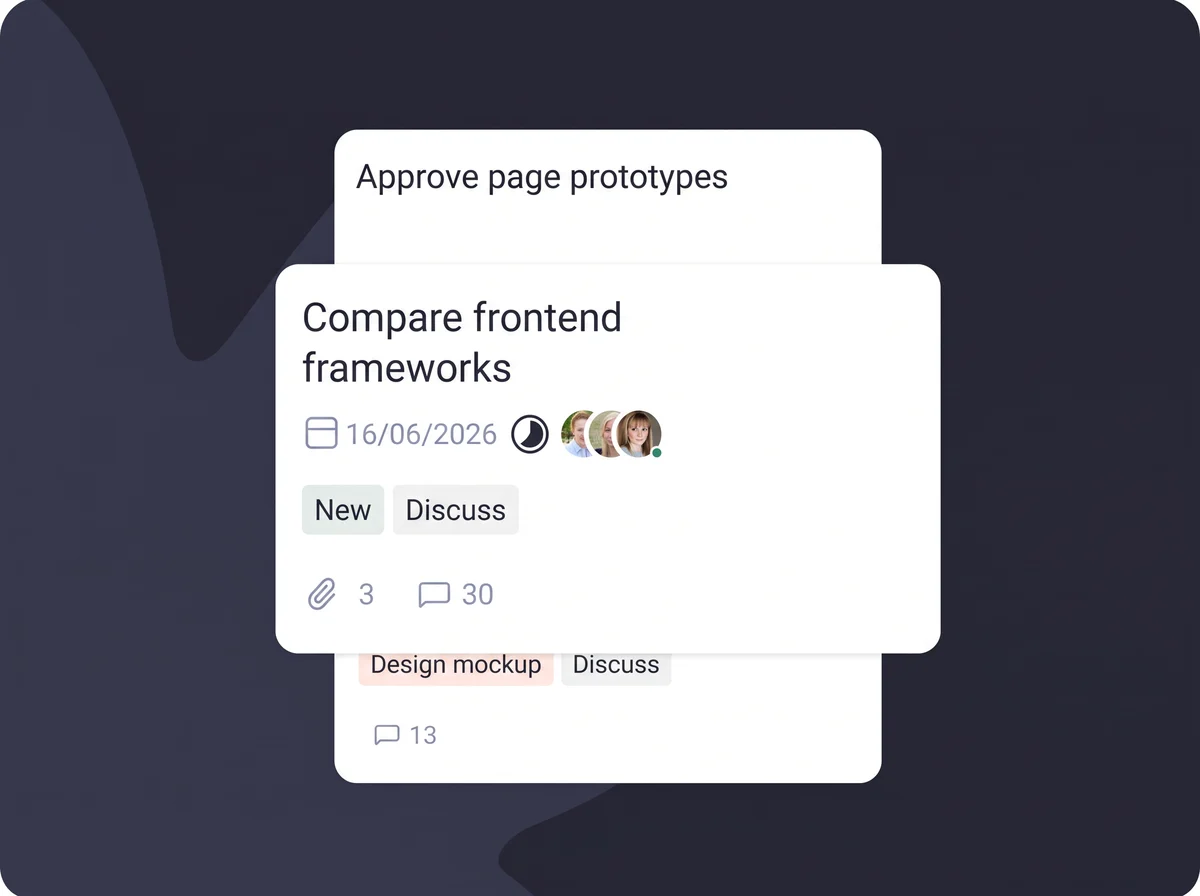
Kanban boards, deadlines, assignees and custom fields in cards. Each team only sees its own tasks.

Enqo task cards with due date, assignees, tags and comments

Everything connected

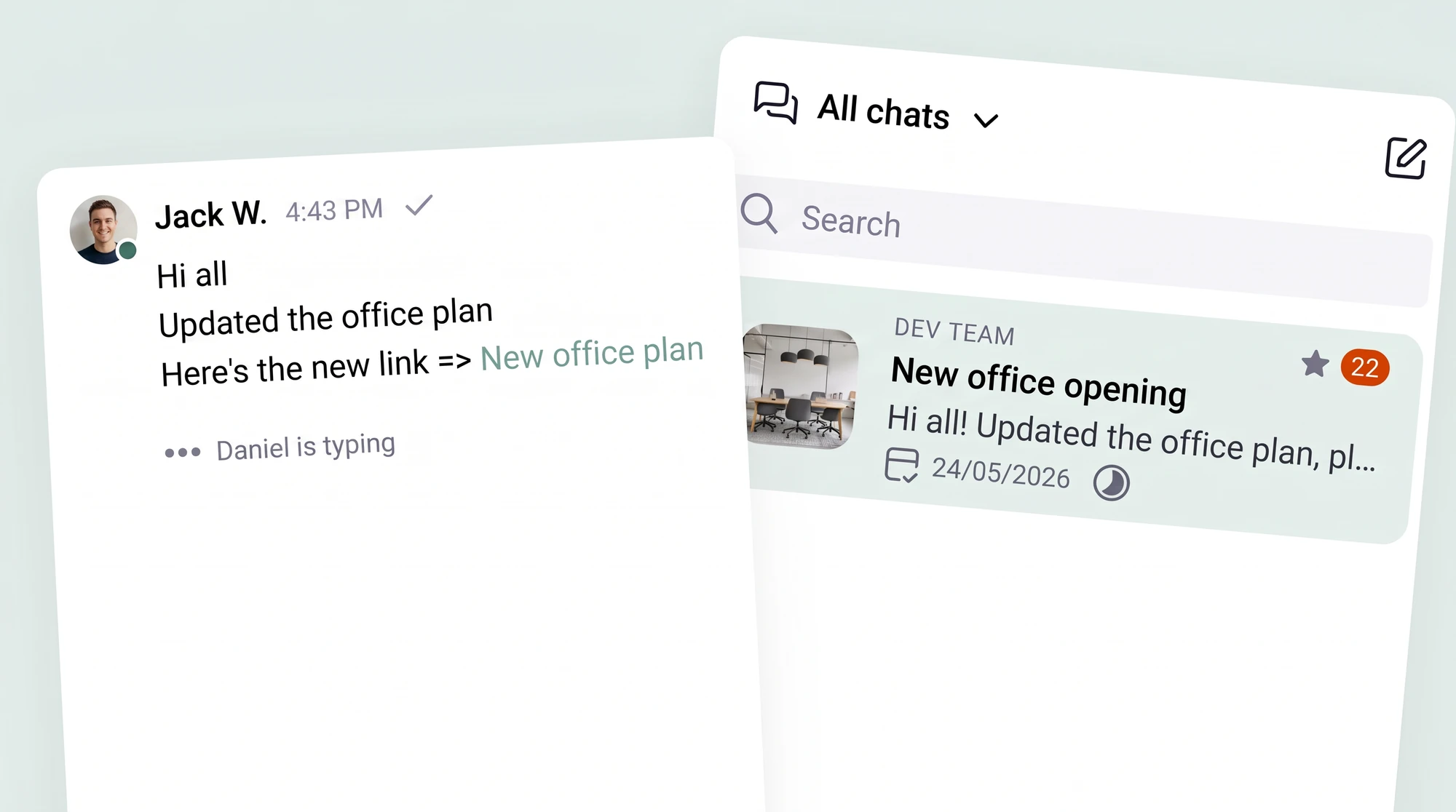
Turn a message into a task in one click and spin up a dedicated chat for any task. All project information lives in a single space.

A message with a task link next to the Enqo chat list
Video calls

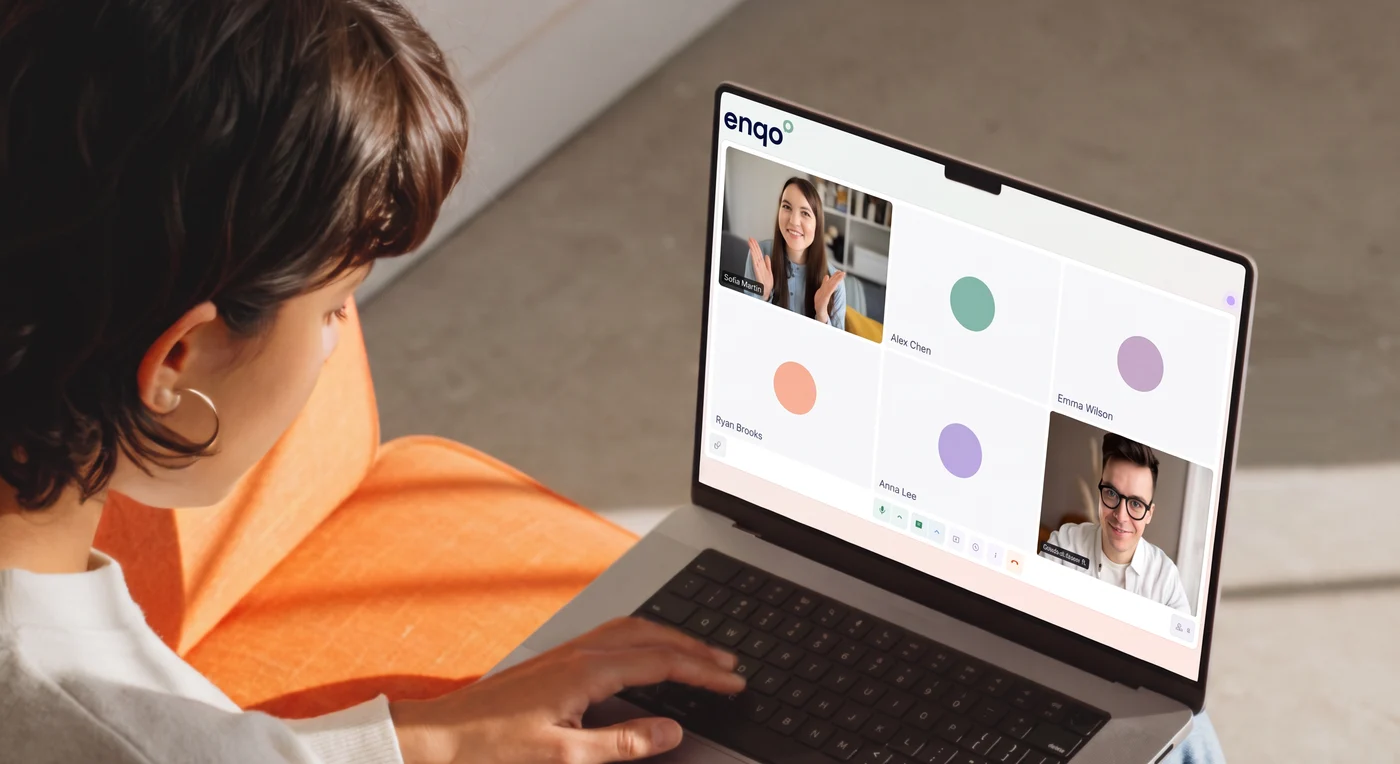
Call your team without leaving the workspace

A person on an Enqo video call with colleagues on a laptop

Ask AI what was said on the call

Don't want to reread the transcript? Ask a question in plain language and AI answers based on what was discussed.

Linked to the chat

A call is part of the conversation. It's attached to a specific chat, so you'll find it right where the work happens.

Everything work calls need

Recording, screen sharing, backgrounds and reactions.

3 hper call
100participants
All-in-one

A complete workspace, not just another chat

Address book

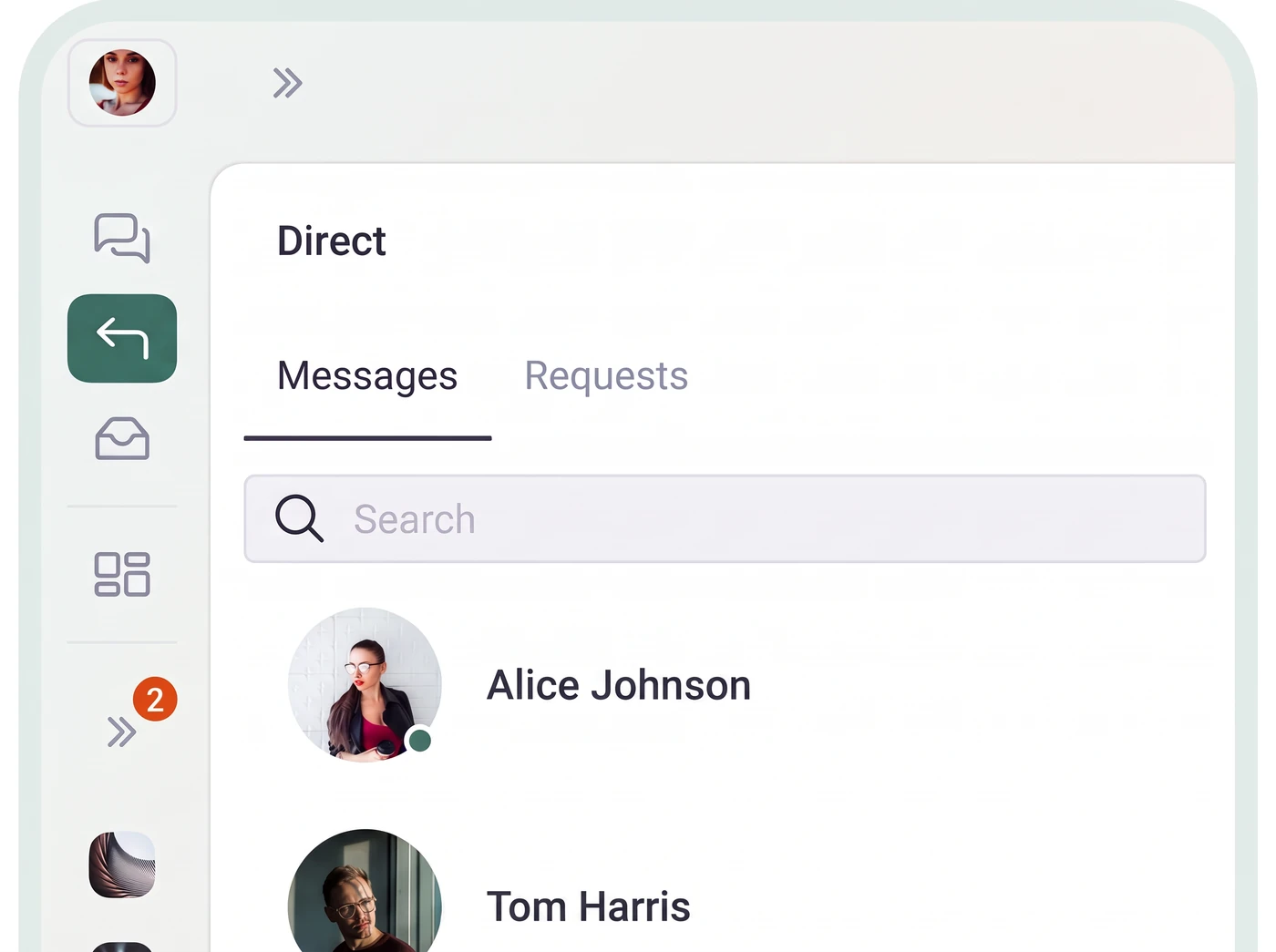
Everyone on the project in one place. Quick search by name or role.

Enqo address book with direct messages and contact search

Access control

Invite contractors and freelancers, and open only the part of the project they need.

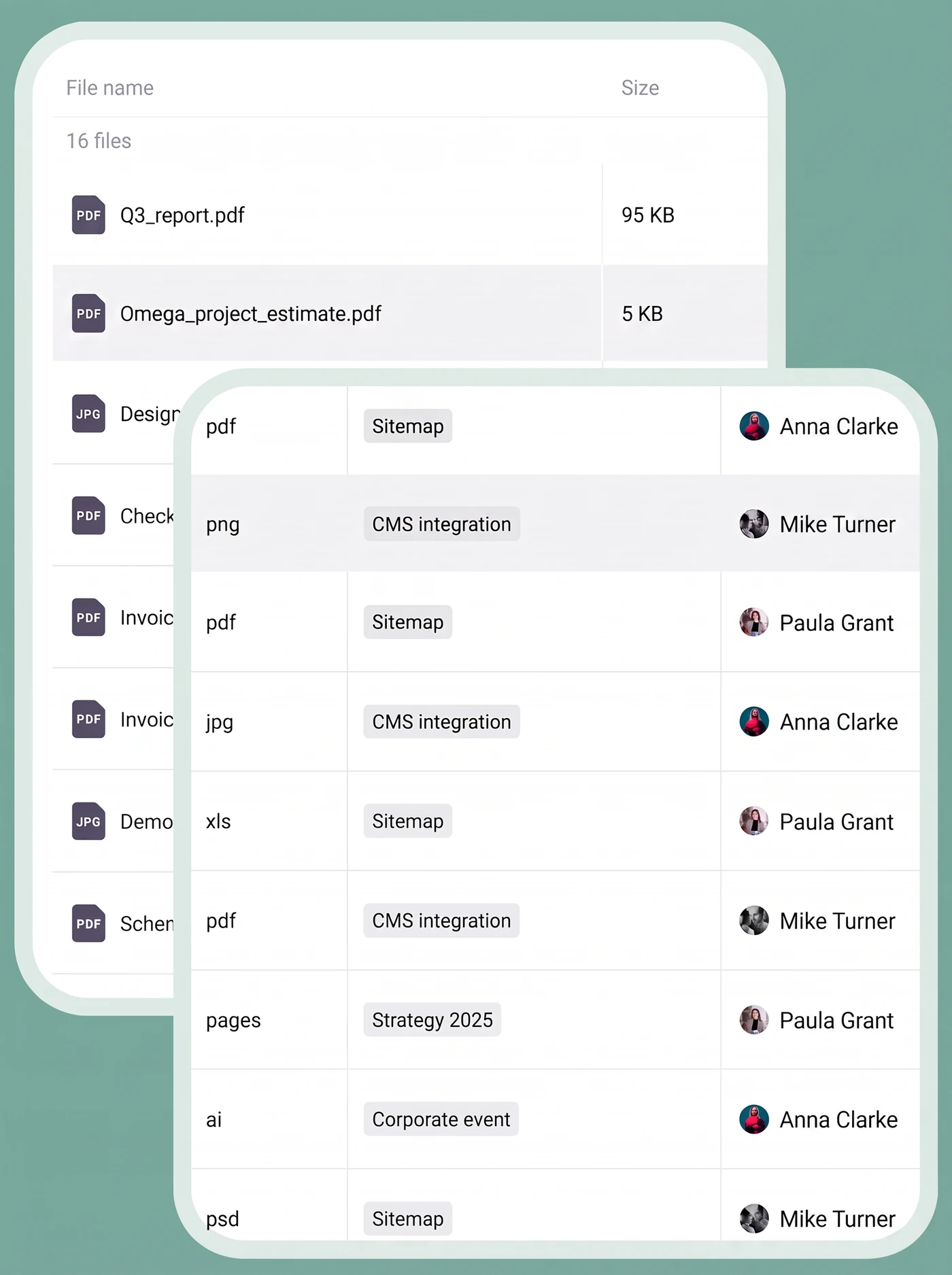
File storage

Up to 10 GB per team member. Files live inside the project, next to tasks and discussions.

Enqo project file storage table with file types, tags and owners

Link library

Collect useful project links in one list and share them with the team. Get newcomers up to speed fast.

Why teams choose Enqo

Built to be relied on

Easy start

Sign up and launch in a minute. Need help? We'll hop on a call and set Enqo up for your team for free.

Enqo sign-up screen: Welcome to Enqo, continue with phone or email
99.98%

Uptime

Monitored infrastructure and regular backups keep your workspace available.

TLS 1.3

Data protection

Encryption in transit, OAuth 2.0 authorization and regular backups.

1:1

Real support

Real people answer at support@enqo.com. Teams get a dedicated account manager.

Everywhere you work

On your computer, phone and tablet, or right in the browser

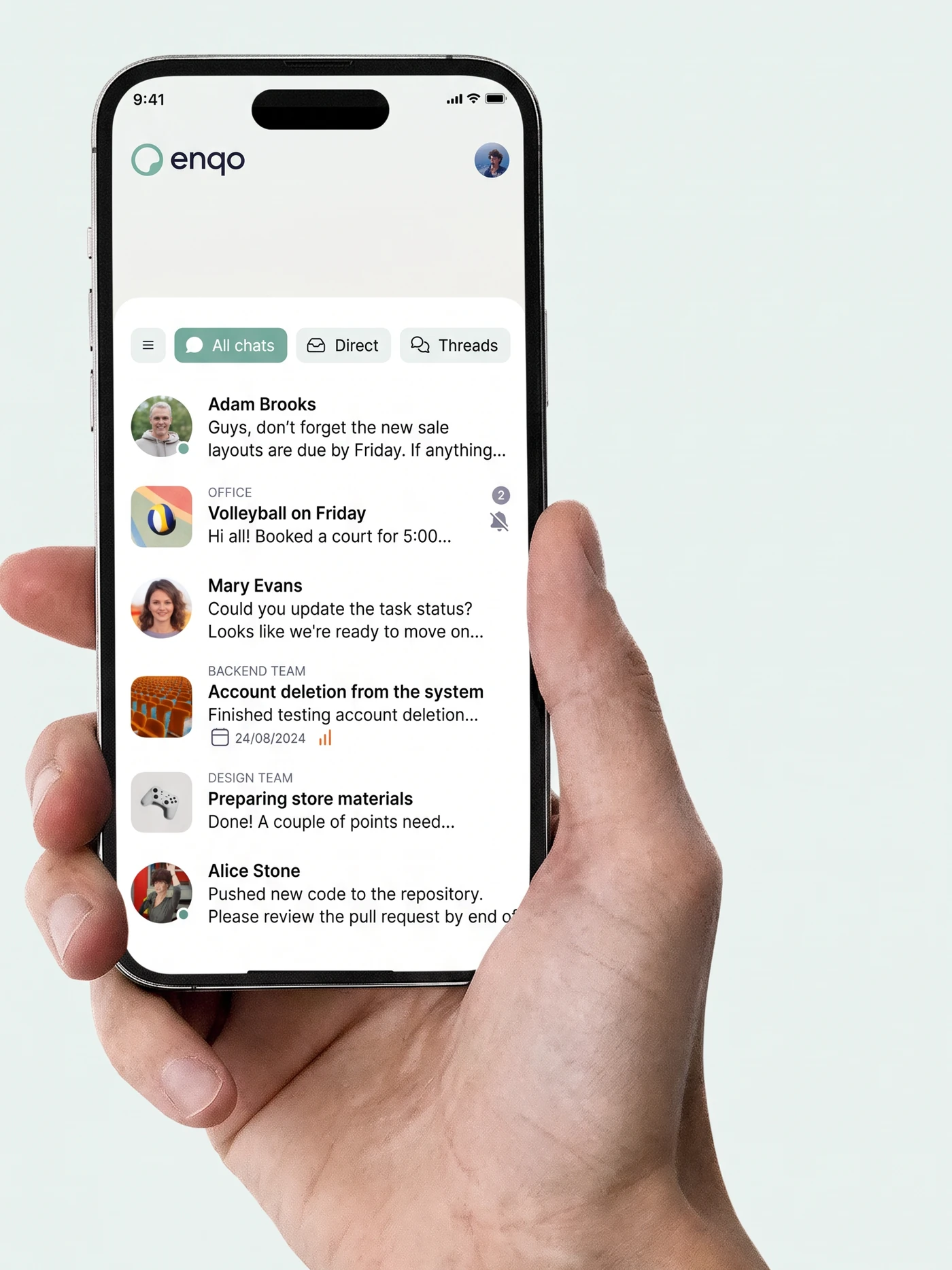
Enqo mobile app in hand: chat feed with tasks

Enqo for desktop

Use Enqo right now as a PWA in Chrome, Safari, Firefox, Edge and Samsung Internet. Native apps for Windows, macOS and Linux are coming soon.

Web / PWAWindows SoonmacOS SoonLinux Soon

Enqo for mobile

The messenger and a task tracker made for mobile. Not a shrunken kanban board, but a clean feed of chats with tasks inside.

App StoreGoogle Play
Roadmap

What we're building next

Enqo ships in the open. Here's what is coming in the second half of 2026.

See the full roadmap

Still have questions? Come to a demo

We'll walk you through everything, answer your questions and help set Enqo up for the way your team works.